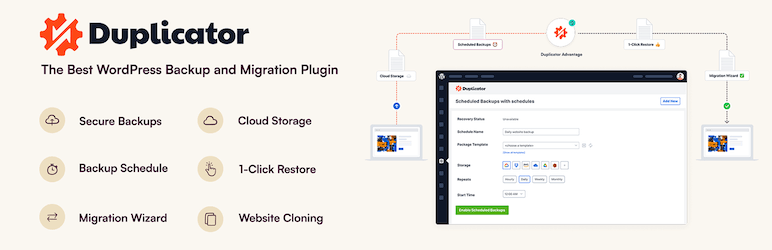
Optee stores all data in WordPress tables. So if you pack your WordPress site with a plugin like Duplicator and just migrate it to another server, it should work.
The best WordPress backup and migration plugin. Quickly and easily backup ,migrate, copy, move, or clone your site from one location to another.

wordpress.org
Keep in mind that your licence key is attached to a domain - so you should keep the same domain.
Or use transfer option:
Version 1.1.0 is out! (and it's a big one) I've included 100 FREE LANDING PAGES in v1.1.0.! First, you'll need to update Optee to v.1.1.0: If you have an older Optee version - be sure to upgrade now. And then you'll have access to Landing Pages Pack. To install it - open Tools menu...

afflift.com