



- Joined
- May 2, 2018
- Messages
- 4,908
I hope you enjoyed my Bidvertiser guide I posted a few months ago.

This month I wanted to create a script, similar to the ones I already made for some other traffic sources.
If you are running Monetizer offers on Bidvertiser Ad Network, I think you’ll find this script useful. This script will check the status of the Monetizer offer, and if the offer is paused (or capped or has outage status) it will stop your Bidvertiser campaign.
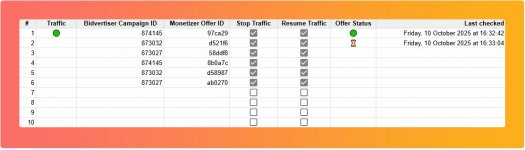
This is how the script looks like:
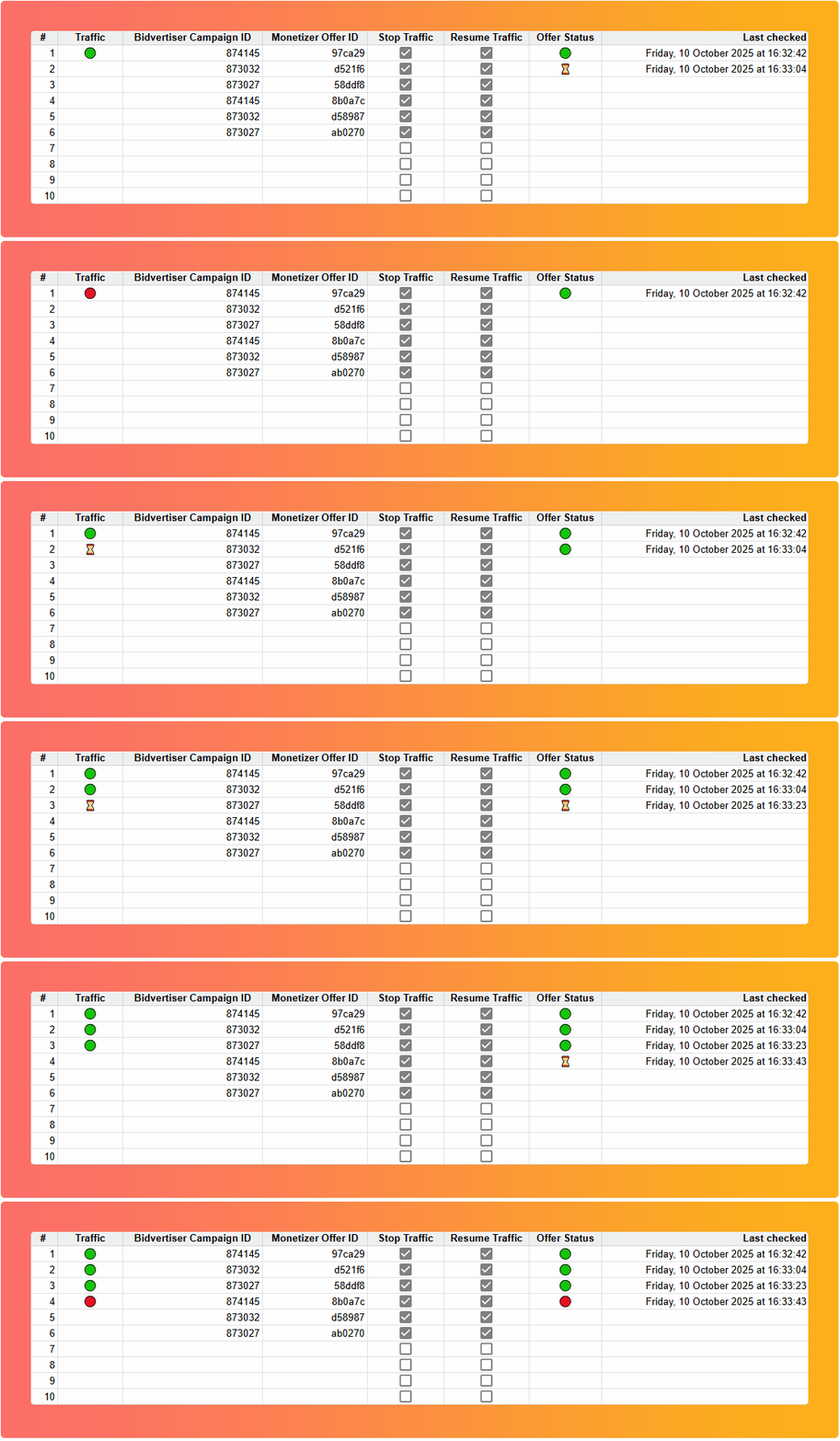
And here’s what you need to do:
This month I wanted to create a script, similar to the ones I already made for some other traffic sources.
If you are running Monetizer offers on Bidvertiser Ad Network, I think you’ll find this script useful. This script will check the status of the Monetizer offer, and if the offer is paused (or capped or has outage status) it will stop your Bidvertiser campaign.
This is how the script looks like:
And here’s what you need to do:
- Enter your Bidvertiser API key, username and password into the Configuration tab
- Get the Monetizer Access Token
- Enter at least one Bidvertiser Campaign ID under column C
- Enter the Monetizer offer ID you are promoting with that campaign under column D
- Check “Stop Traffic” if you want this script to stop the campaign on Bidvertiser when Monetizer offer goes down
- Check “Resume Traffic” if you want to script to resume the campaign on Bidvertiser when Monetizer offer gets back
- NOTE: You CAN check both “Stop Traffic” and “Resume