




- Joined
- May 2, 2018
- Messages
- 4,908
A while ago I wrote a guide on how to host your landing pages on Cloudflare Pages, for free, with unlimited bandwidth:

I still host everything there. But there's one part of that guide that always annoyed me.
Every time you change something on a lander, you have to zip the folder again, open the Cloudflare dashboard, and upload it. Change one word in a headline? Zip, upload, wait. Fix a typo? Zip, upload, wait.
So I built a small Windows app that does that part for me.
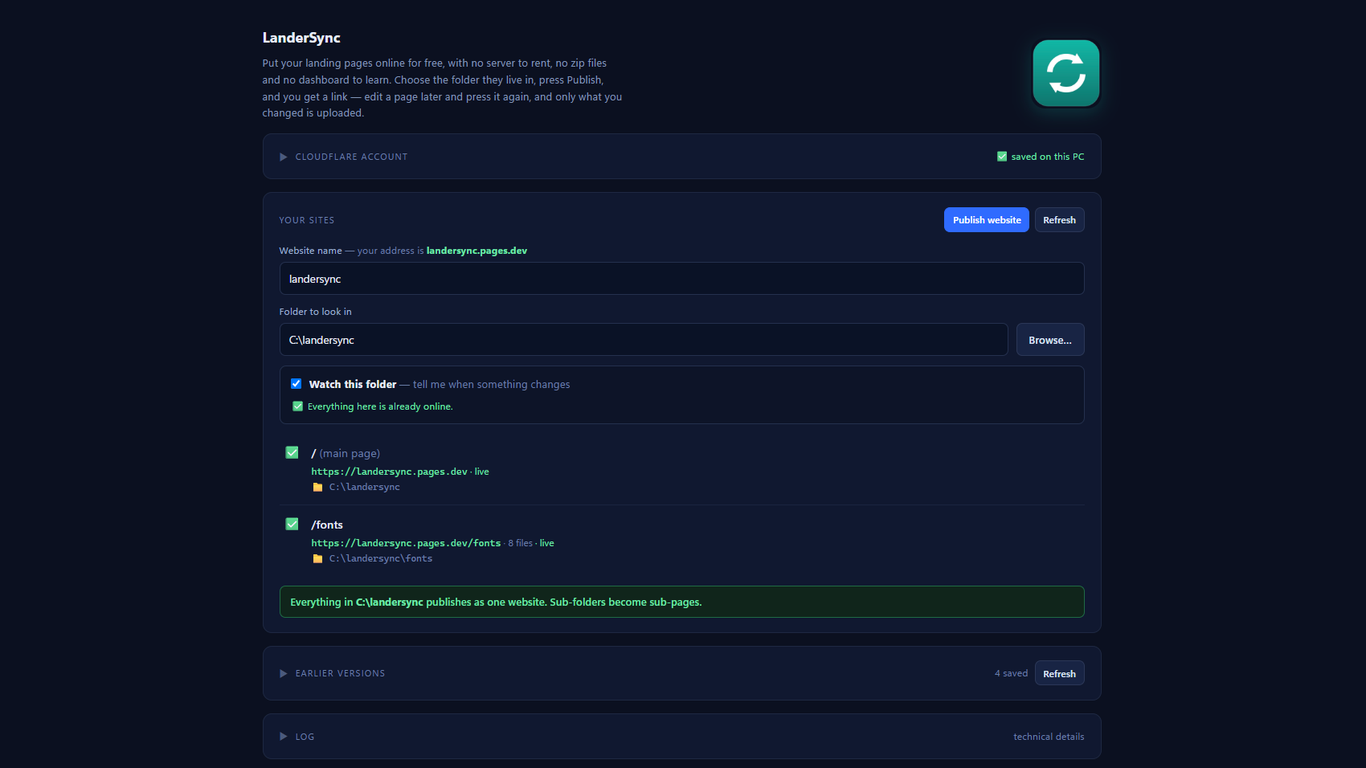
No terminal and no zip files.
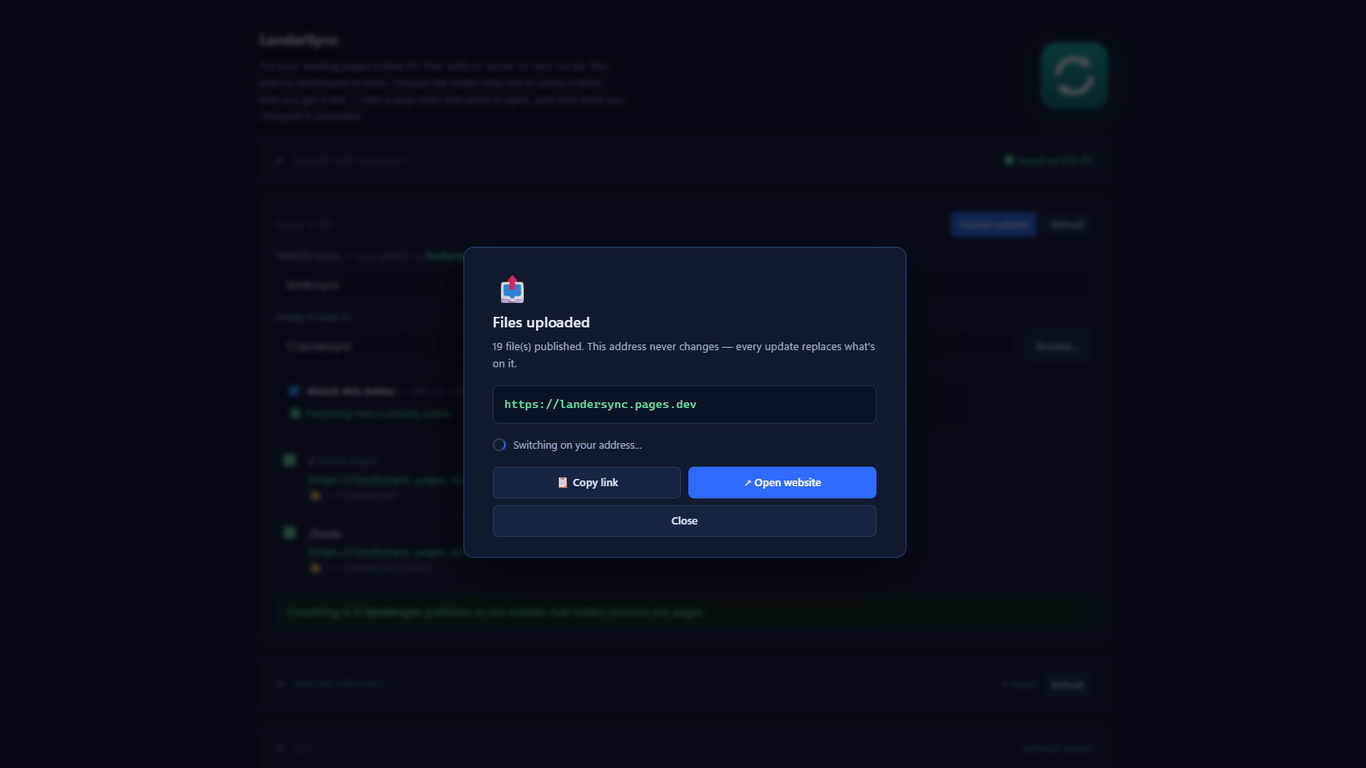
Edit a page and press Publish again. LanderSync checks what actually changed and uploads only that. Changing one character in a lander re-uploads one file, usually in about a second, instead of pushing the whole folder again.
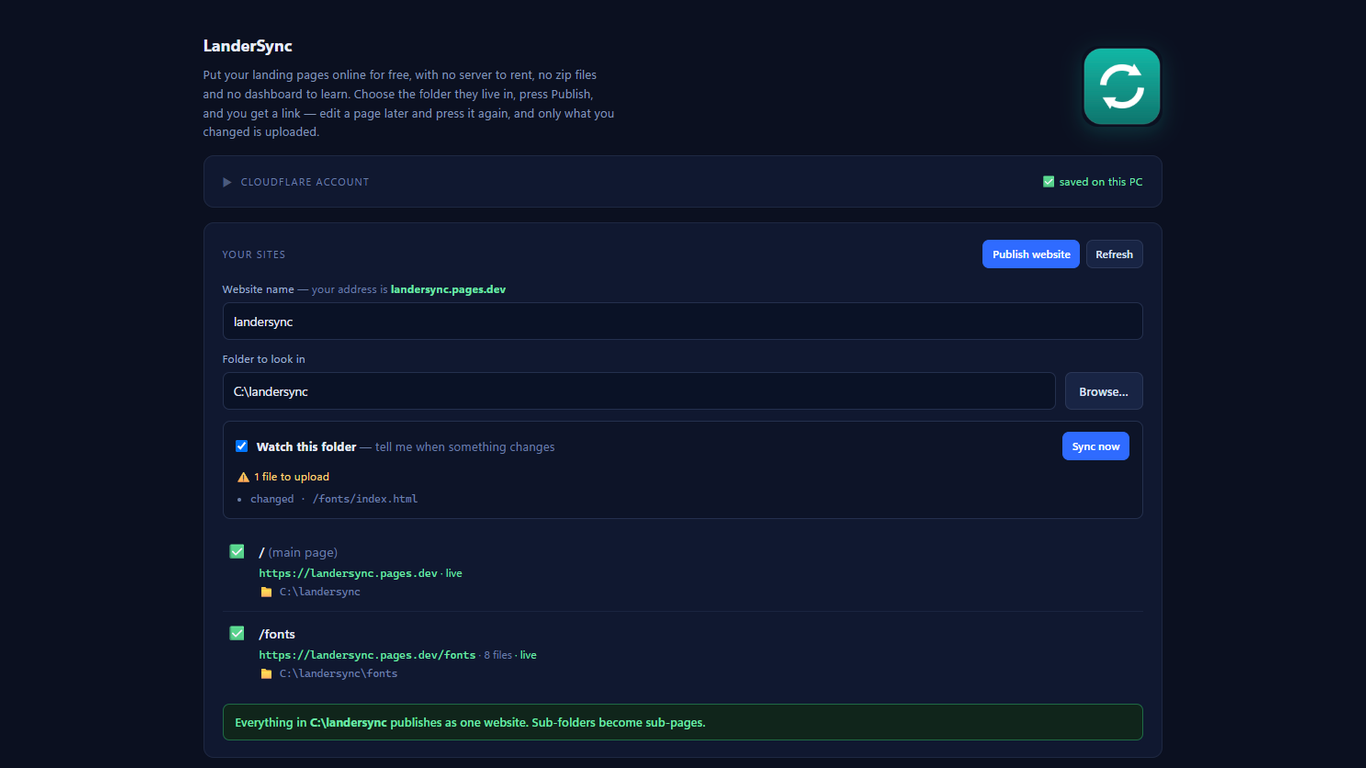
It tells you when something changed
LanderSync watches your folder. Edit a lander in whatever editor you use, and it tells you that page is now different from what's online.
It

I still host everything there. But there's one part of that guide that always annoyed me.
Every time you change something on a lander, you have to zip the folder again, open the Cloudflare dashboard, and upload it. Change one word in a headline? Zip, upload, wait. Fix a typo? Zip, upload, wait.
So I built a small Windows app that does that part for me.
What it does
You pick the folder where your landers are, press Publish, and you get a live URL.No terminal and no zip files.
Edit a page and press Publish again. LanderSync checks what actually changed and uploads only that. Changing one character in a lander re-uploads one file, usually in about a second, instead of pushing the whole folder again.
It tells you when something changed
LanderSync watches your folder. Edit a lander in whatever editor you use, and it tells you that page is now different from what's online.
It


